Google Business Profile Posts: The Local SEO Tactic Most Small Businesses Ignore
webceke
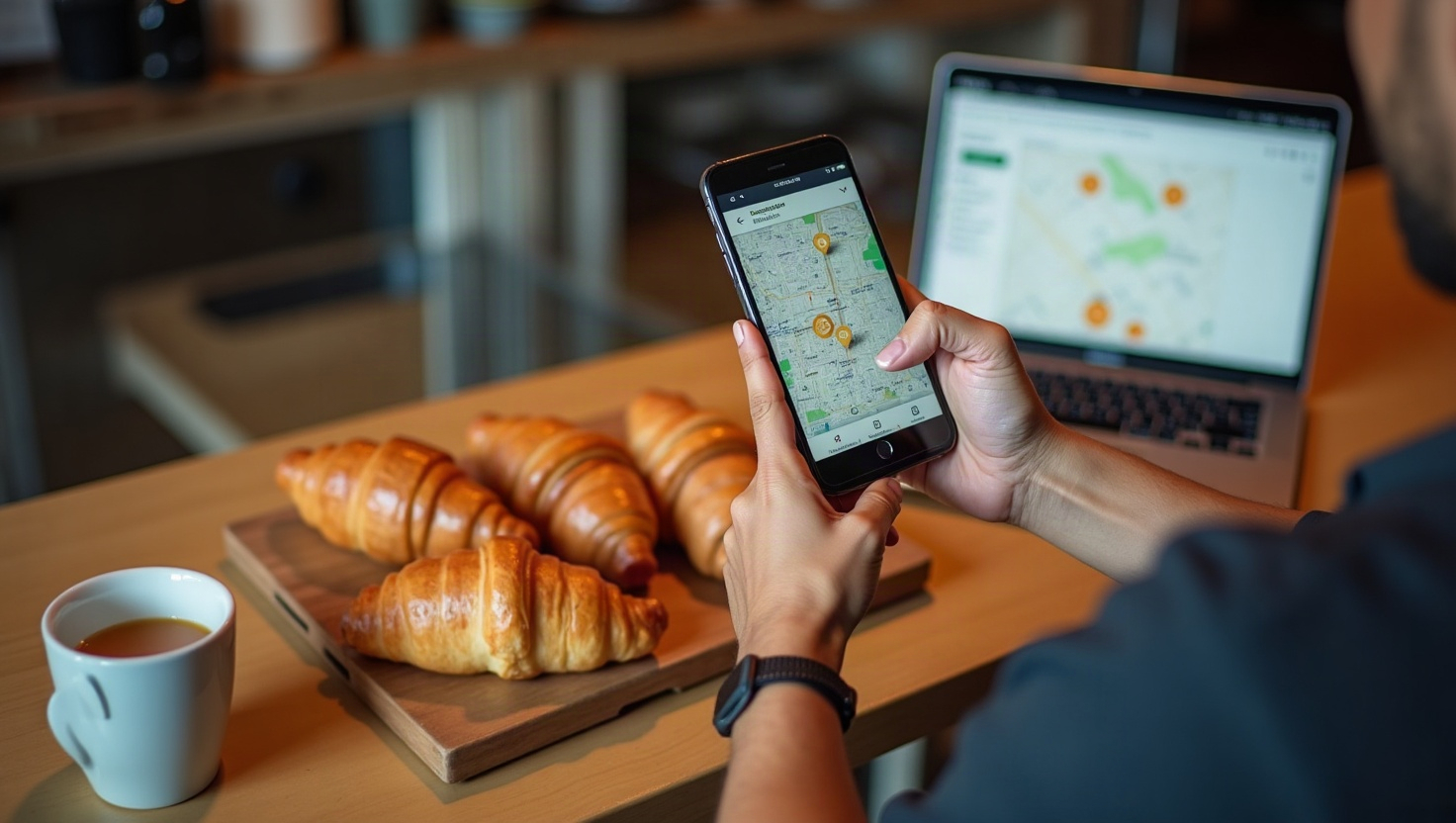
If you've ever searched for a plumber, a bakery, or a dentist and seen a small card with a photo, a short blurb, and a "Learn more" button sitting right under the business name, you've already seen a Google Business Profile post. They're the closest thing to free advertising inside Google's local results — and most small businesses never publish them.
What Google Business Profile posts actually are
A Google Business Profile post is a short update that appears directly on your Business Profile in Google Search and Maps. Think of it as a micro-landing page: you get a headline, a short body, an image, and a call-to-action button that links anywhere you want.
Posts typically stay visible for about seven days (offers can run longer), then they drop off and get replaced by newer ones. That's the catch — and the opportunity. If you post regularly, you look active, relevant, and current. If you posted once in 2022, you look dormant.
There are three main post types worth mastering:
- Offer — a discount, bundle, or limited-time deal with a start and end date.
- Update — general news: a new service, a seasonal reminder, a behind-the-scenes note.
- Event — a dated happening like a workshop, tasting, open house, or sale weekend.
Why posts influence local pack rankings and click-through
Google's local algorithm cares about relevance, distance, and prominence. Posts don't override distance, but they do feed relevance and prominence in two ways:
- Freshness signals. An actively updated profile tells Google the business is operating and worth surfacing. Profiles with recent posts tend to get more impressions in the local pack than identical profiles that are static.
- Keyword context. Your post text is indexed. If you're a landscaper in Austin and you write "fall lawn aeration in Austin," you've just added a relevant phrase to your profile without touching your website.
The bigger win is click-through. Posts add visual real estate to your listing — a photo, a bold CTA button, and a reason to click. On mobile, where most local searches happen, that extra block can be the difference between a tap and a scroll past.
Offer posts: give people a reason to act now
Offers work best when they're specific and time-bound. "10% off" is forgettable. "$25 off your first deep clean — booked before March 31" is not.
Example: A bike shop runs an offer for a free tune-up with any new bike purchase. The post links to a dedicated landing page at /spring-tune-up that explains the offer, shows the bikes in stock, and has a booking form.
Don't link offers to your homepage. Homepages make people hunt. A matching landing page keeps the promise the post made.
Update posts: build trust and answer questions
Updates are your workhorse. Use them for new services, seasonal tips, staff introductions, or answers to questions customers keep asking.
Example: A dental office posts "Now offering Saturday appointments" with a link to /saturday-appointments, where patients can see available times and book instantly.
Example: A roofing company posts "How to spot hail damage before you file a claim" and links to a blog post at /hail-damage-checklist with a free inspection form at the bottom.
The pattern is simple: post = promise, landing page = delivery.
Event posts: turn local searches into foot traffic
Events are underused and powerful, especially for restaurants, gyms, studios, and retail. Google shows them with dates, which creates urgency.
Example: A yoga studio posts a "Beginner's Weekend Workshop" for the second Saturday of the month, linking to /beginner-workshop with a signup form and a map.
Example: A bookstore posts a Saturday author signing, linking to /events/author-signing with the author's bio and a reservation link.
Always include the date, time, and location in the post itself. People shouldn't have to click to find out when it is.
How often should you post?
There's no penalty for posting daily, but consistency beats volume. A realistic cadence for most small businesses:
- 1–2 posts per week — the sweet spot for staying visible without burning out.
- 1 offer per month — enough to feel active, not spammy.
- Every event — always post events; they have built-in deadlines.
Batch your posts. Spend 30 minutes once a week writing four posts and scheduling them. If you're already publishing content on your site, you have most of the raw material.
Link every post to a matching landing page
This is where most businesses leak conversions. A great post with a link to a generic homepage wastes the click.
Build a simple rule: one post, one page. The page should repeat the offer or headline, explain the details, and have a single clear action — book, call, buy, or sign up. If you don't have a page for it yet, that's the signal to make one.
This is exactly where a tool like webceke helps. You describe your business in one sentence, and it generates a complete, multilingual, multi-page website — so when you publish a Google Business Profile post about a spring promotion, you already have a matching /spring-promotion page ready to receive the traffic. No developer, no plugin wrangling.
Start with one post this week
Pick your best current offer or the question customers ask most. Write a 40-word post, add a photo, and link it to a page that delivers on the promise. Then do it again next week.
If you need the landing pages to go with those posts, try webceke — describe your business in a sentence and get a full site you can point every Google Business Profile post at.