Google Business Profile Posts: The Free Local SEO Tactic Most Small Businesses Ignore
webceke
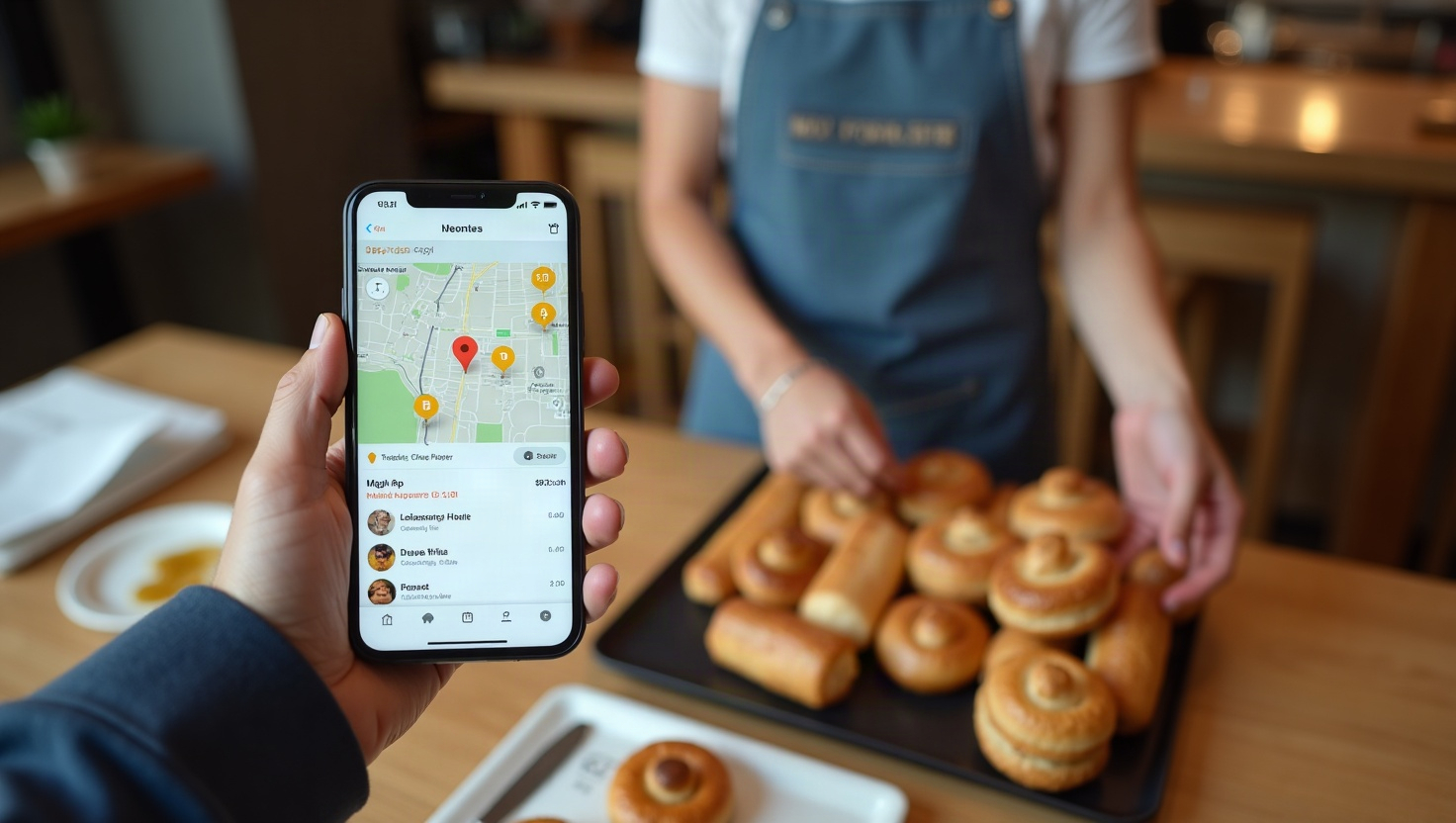
Most small businesses claim their Google Business Profile, fill in the hours and phone number, and then never touch it again. That silence costs you visibility in Google Maps and the local pack, where customers are actively searching for what you sell. Google Business Profile posts are the easiest fix: they take a few minutes, cost nothing, and give Google fresh signals about your business every week.
What Google Business Profile Posts Actually Are
Google Business Profile posts are short updates that appear directly on your listing in Google Search and Maps. They sit below your photos and above your reviews, which means people see them before they ever reach your website. Each post can include an image, a short block of text, and a call-to-action button such as Call, Book, Learn more, or Get offer.
Posts expire after a set window (typically seven days for standard updates, longer for events), so they function less like permanent pages and more like a live feed. That is exactly why they work: Google treats recent activity as a sign that a business is open, active, and worth showing to nearby searchers. A profile with no posts looks dormant. A profile with a post from this week looks alive.
Which Post Types Drive Calls and Direction Requests
Not every post type performs the same way. If your goal is phone calls and visits, prioritize these three:
- Offers. Use these for discounts, seasonal promotions, or limited-time deals. The "Get offer" button is one of the highest-converting CTAs because it pairs a clear value with a single tap. Even a modest offer like "10% off first visit this week" outperforms a generic update.
- Events. Ideal for workshops, open houses, tastings, or sales. Events can carry a date range, so they stay visible longer than a standard post and appear in event-related searches. For service businesses, an event can also mean a free consultation day.
- Updates. The workhorse post. Use it for new products, staff introductions, behind-the-scenes photos, or quick tips. Updates are perfect for a weekly rhythm and keep your profile from going stale.
Two smaller formats matter too. Products let you showcase specific items with a price and image, and COVID-19 updates remain useful if you still have special hours or safety policies. If you want direction requests specifically, always add a photo of your storefront and mention a nearby landmark in the text.
How Often to Post (and Why Consistency Beats Volume)
There is no official rule, but the pattern that consistently works for local businesses is once or twice per week. Posting daily rarely produces proportional results and quickly burns you out. Posting monthly is barely better than not posting at all, because the content expires and the freshness signal fades.
A realistic target: one post every Monday and one every Thursday. Monday posts can highlight the week ahead (an offer or event), and Thursday posts can share an update or a customer story. If you can only manage one, make it Monday morning, when people plan their week and search for local services.
Track what happens. Google shows views, clicks, calls, and direction requests for each post. After a month, you will see which type your audience actually responds to, and you can double down on that format.
A Simple Weekly Posting Routine
You do not need a marketing team. You need a repeatable 15-minute habit:
- Monday: Write an offer or event post. Include one clear CTA and a photo.
- Wednesday: Check your insights from the previous week. Note which post got the most clicks.
- Thursday: Publish an update, tip, or product highlight.
- Friday: Reply to any new reviews and questions on your profile.
Keep a running note on your phone with five post ideas so you never start from a blank page. Reuse content you already have: a photo from a job site, a question a customer asked, a new item on your menu.
Link Posts to Specific Website Pages
This is where most businesses leave money on the table. Instead of sending every post to your homepage, link to the page that matches the post:
- An offer for a specific service should link to that service page.
- An event post should link to the event page or a booking page.
- A product update should link to the product page.
Deep links convert better because visitors land on exactly what the post promised, with no extra searching. If you are building or updating those pages, webceke can generate a complete, multilingual, multi-page website from a single sentence about your business, so you have a relevant landing page ready for every post. That combination, a live Google Business Profile post plus a matching page, is one of the cheapest local SEO wins available.
Start This Week
Pick one post type, write it in five minutes, add a photo, and link it to a specific page on your site. Then repeat next week. Small, consistent activity on your Google Business Profile compounds into more calls, more direction requests, and more customers who find you before they find a competitor.
If your website is not ready to receive that traffic, try webceke and get a professional, multilingual site live in minutes, then point every post at the page that fits.