404 Page Best Practices for Small Business: Turn Dead Ends into Opportunities
webceke
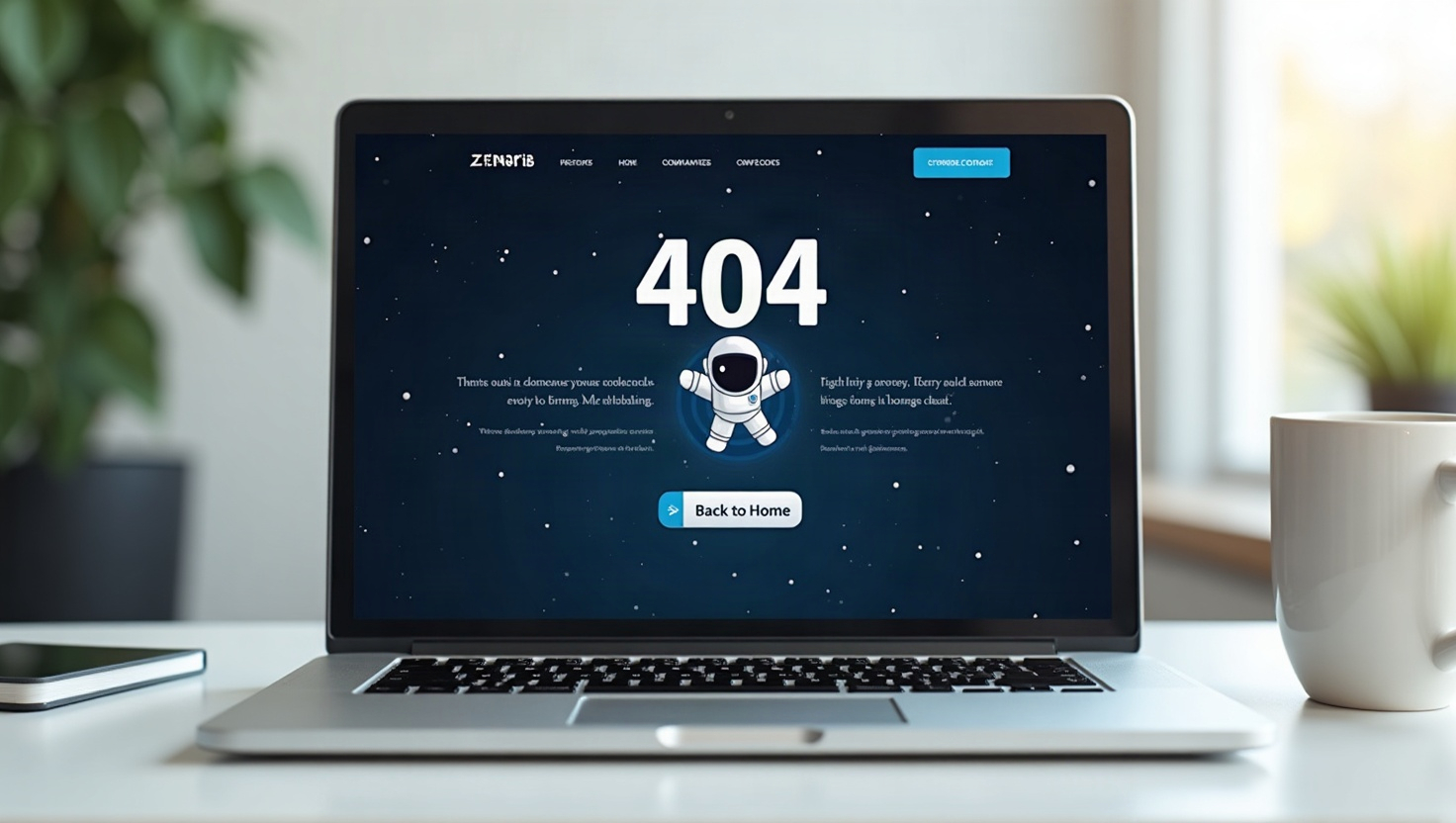
When a visitor lands on a broken link, your first instinct might be to cringe. But a 404 page is not just a dead end—it's a chance to rescue a lost user and even improve your site's credibility. For small businesses, every click counts, and a thoughtful 404 page can turn frustration into engagement. In this guide, we'll explore why your 404 page matters for both user experience and SEO, and show you how to craft one that works hard for your brand—even if you're using a simple AI website builder.
Why a 404 Page Matters for User Experience and SEO
A 404 error occurs when someone tries to access a page that doesn't exist. Without a custom 404, visitors see a stark, confusing browser error—and most will simply leave. That's a missed opportunity. A well-designed 404 page does three things:
- Keeps users on your site: By offering helpful links, you reduce bounce rate and encourage exploration.
- Builds trust: A playful, on-brand message shows you care about details, even when things go wrong.
- Supports SEO indirectly: While 404s themselves don't harm rankings, a high bounce rate from dead ends can signal poor user experience to Google. Also, if you accidentally have broken internal links, a custom 404 with a search bar can help users find what they need without navigating away.
In short, a great 404 page is a safety net that catches lost visitors and guides them back to valuable content.
Essential Elements of a High-Converting 404 Page
To turn a lost visitor into an engaged one, include these key components:
- Clear, friendly message: Apologize briefly and explain what happened. Use humor or warmth to diffuse frustration.
- Search bar: This is the most powerful tool. Let users type what they were looking for—it's a direct path to recovery.
- Popular links: Showcase your top products, services, or blog posts. This gives users a starting point if they don't know what to search for.
- Homepage button: Always provide a simple way back to your main page.
- Contact info or support link: For those who are truly stuck, offer a human touch.
For example, a bakery might say, "Oops, this page has crumbled!" and then list bestsellers like sourdough and cupcakes, plus a search bar to find their delivery area.
Playful Tone: Why It Works and How to Nail It
A playful 404 page isn't just cute—it's strategic. When users hit an error, their immediate reaction is annoyance. A clever message or a fun visual (like a confused robot or a lost puppy) can flip that emotion to delight. This positive association makes them more likely to stay and explore.
Tips for a playful tone:
- Use puns or metaphors related to your industry (e.g., a travel site: "Looks like you've wandered off the map").
- Add a subtle animation or a funny illustration—but keep it fast-loading.
- Keep the message short and sweet; don't overdo it.
Remember, the goal is to guide, not just entertain. Pair the humor with clear navigation options.
Examples of 404 Pages That Convert Lost Visitors
Let's look at real-world inspired examples:
- E-commerce store: "Uh-oh, this product has sold out!" Then show a few bestsellers with images and 'Shop now' buttons. This turns a dead end into a mini-storefront.
- Service business: "We couldn't find this page, but we're experts at finding solutions." Add a call-to-action to book a free consultation.
- Blog: "This article took a vacation." Then display 3 recent posts, a search bar, and a 'Back to blog' link.
What makes these effective? They immediately offer alternatives, so the visitor never feels stuck. They also reinforce your brand's personality.
How to Create a Custom 404 Page with an AI Website Builder
You don't need coding skills to craft a killer 404 page. With webceke, an AI website builder that creates a full multilingual site from a single sentence, you can customize your 404 page in minutes. Here's how:
- Start with a template: webceke's AI generates a base site, including a default 404 page. You can edit it directly.
- Add your message: Replace the default text with your playful, on-brand copy.
- Insert search and links: Use the drag-and-drop editor to add a search bar, popular products, or key pages.
- Style it: Match your brand colors and fonts—webceke makes it easy to maintain consistency.
The best part? webceke automatically handles the technical side, so your 404 page works across all languages your site supports. This is crucial if you serve diverse customers.
Final Thoughts: Don't Neglect Your 404 Page
Your 404 page is a tiny but mighty part of your website. It's a chance to show professionalism, creativity, and customer care. By following these 404 page best practices for small business, you'll reduce bounce rates, improve user satisfaction, and even nudge SEO in the right direction.
Ready to build a website that handles every visitor gracefully? Try webceke today—it's the easiest way to launch a polished, multilingual site with a custom 404 page that works as hard as you do.