Meta Description Examples for Local Businesses: A Simple Guide to Higher Click-Through Rates
webceke
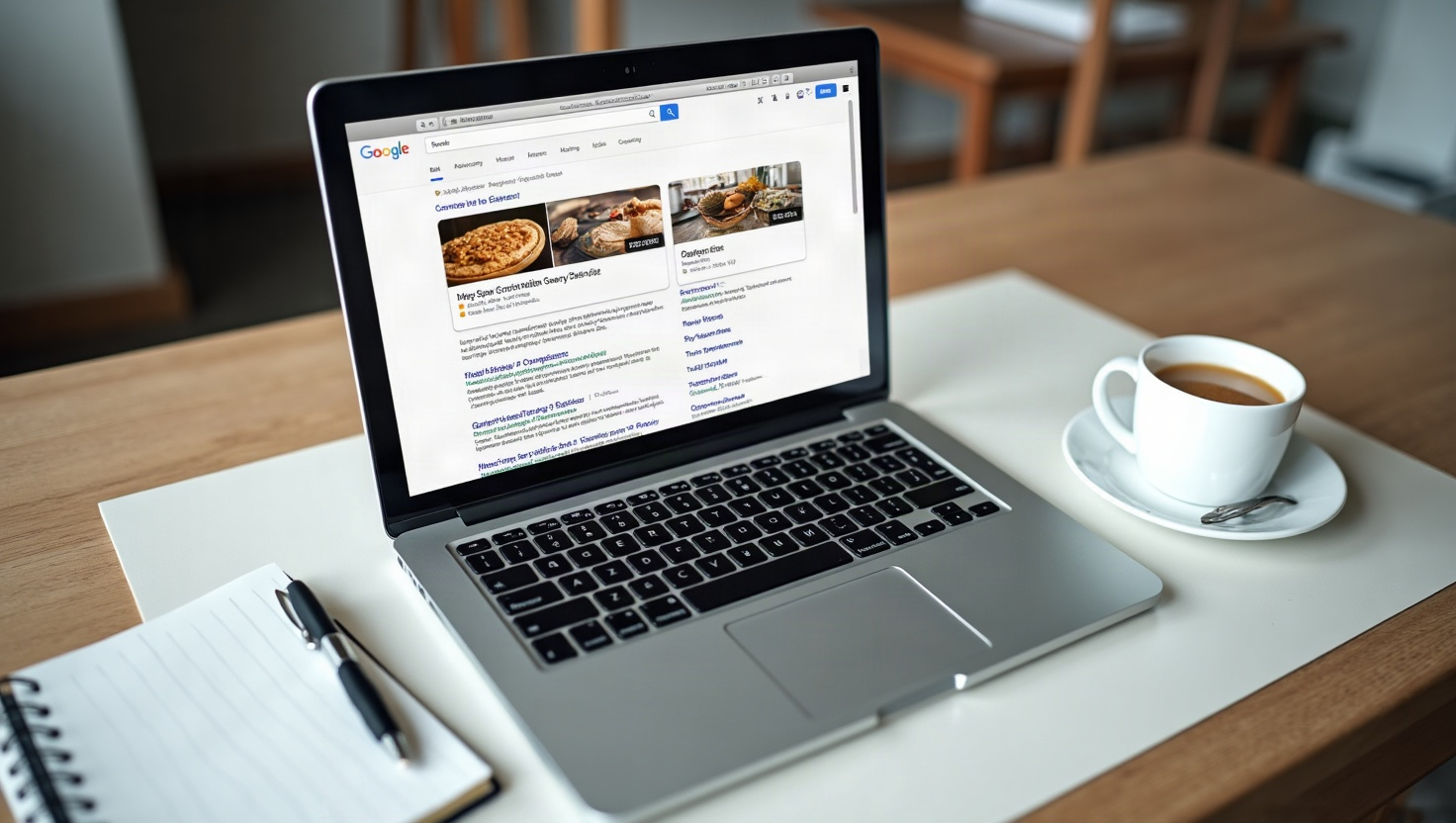
When someone searches for a plumber, a bakery, or a dog groomer in your town, the first thing they see isn’t your website. It’s your title tag and meta description—the small snippet of text under the blue link. A well-written meta description can be the difference between a click and a scroll past. This guide shows you exactly how to craft meta description examples for local business that turn searchers into visitors, and how to update them quickly with a tool like webceke.
Why Your Meta Description Matters for Local SEO
A meta description is a short summary (usually 150–160 characters) that tells Google and users what your page is about. While it’s not a direct ranking factor, it heavily influences click-through rate (CTR). If your snippet looks boring, generic, or irrelevant, users will pick a competitor. For local businesses, the stakes are even higher—your neighbors are searching with intent, and you have only a split second to convince them you’re the right choice.
Good meta descriptions also help Google understand your page’s relevance, which can lead to better placement for local queries like “best coffee shop near me” or “emergency electrician in Austin.”
The Formula That Works for Local Businesses
Forget writing from scratch. Use this simple formula:
[Action verb] + [Service/Product] + [Location] + [Unique benefit] + [Call to action]
Here are three meta description examples for local business types:
- Plumber: “Need a 24/7 plumber in Denver? Fast, upfront pricing & same-day service. Call now for a free quote!” (87 characters)
- Bakery: “Fresh sourdough and custom cakes in Portland. Order online for pickup or delivery. Taste the difference today!” (95 characters)
- Dog groomer: “Gentle, stress-free grooming for your pup in Seattle. Book online and get 10% off your first visit. Wag more, worry less!” (111 characters)
Notice how each includes the service, location, a specific perk, and a clear next step. You can adapt this formula to any business.
Common Meta Description Mistakes (and How to Avoid Them)
Even with a formula, many small business owners fall into traps. Here’s what to stop doing:
- Copy-pasting from your homepage. Every page needs a unique meta description. Duplicate snippets confuse Google and users.
- Keyword stuffing. Don’t repeat “plumber in Denver” five times. It reads as spam and can lower CTR.
- Being too vague. “Welcome to our website” tells users nothing. Be specific about what you offer.
- Ignoring character limits. Google truncates descriptions after about 160 pixels. Keep it under 155 characters to avoid cut-off text.
- Forgetting a call to action. Without “Call now,” “Book today,” or “Get a free estimate,” you miss out on easy conversions.
How to Edit Meta Descriptions in an AI Website Builder
If you built your site with a traditional CMS, editing meta descriptions might require a plugin or code. But with an AI website builder like webceke, the process is refreshingly simple. After generating your multi-page site, you can locate the SEO settings for each page—usually in a sidebar or a dedicated “SEO” tab. There, you’ll find fields for the title and meta description. Just paste your optimized snippet, save, and you’re done. No coding, no plugins.
Webceke even lets you preview how your snippet will look in Google search results, so you can tweak the wording until it’s perfect. That’s a huge time-saver for busy owners.
Quick Tips for Writing Better Meta Descriptions
Here are a few final pointers to keep your local meta descriptions sharp:
- Use your location naturally. Include the city or neighborhood, but only if it reads smoothly.
- Highlight a unique selling point. Free estimates, 24/7 availability, eco-friendly products—whatever sets you apart.
- Match the page content. If your page is about pricing, mention prices. If it’s about a portfolio, say “see our recent projects.”
- Write for humans, not search engines. If it doesn’t sound like something a friend would say, rewrite it.
Remember, your meta description is your free advertising space in search results. Don’t waste it.
Put These Examples to Work Today
Now that you have a clear formula and have seen meta description examples for local business, it’s time to audit your own pages. Start with your most important pages—homepage, services, and contact. Write a new snippet for each using the formula above, and test them over a few weeks. You’ll likely see more clicks, more calls, and more customers.
If you’re using webceke, updating your meta descriptions takes only a few minutes. And if you haven’t tried webceke yet, why not give it a spin? Build your site in minutes, then optimize every page’s SEO with ease. Your future customers are searching right now—make sure they find you and click through.