Coupon Code Page Ideas for Ecommerce: A Small Retailer’s Guide to Boosting Sales
webceke
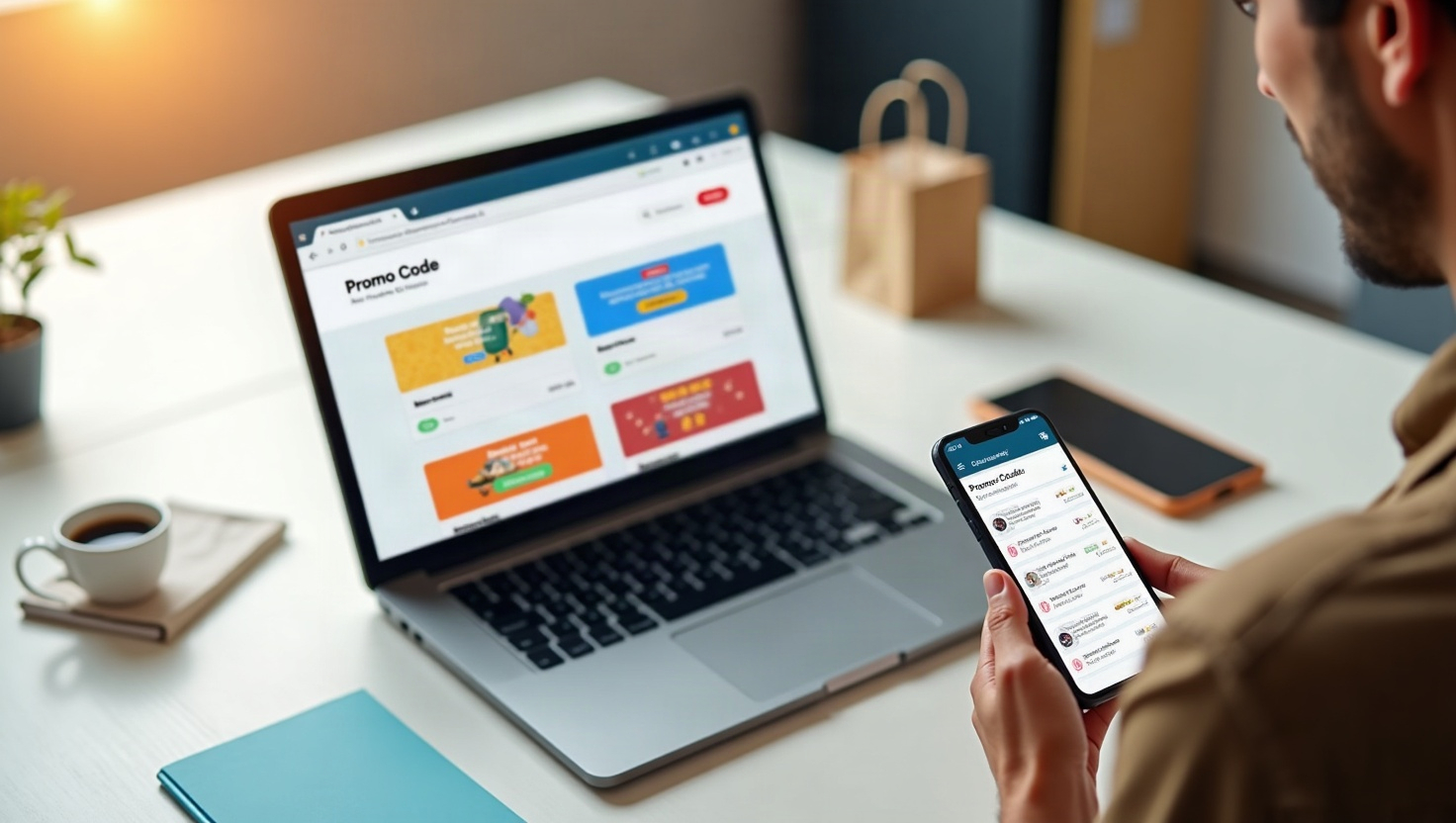
Deal-seeking customers are some of the most valuable visitors your store can attract—if you give them a reason to stay. A dedicated coupon code page isn't just a list of discounts; it's a conversion engine that can raise your average order value and turn one-time buyers into loyal fans. In this guide, you'll learn practical, conversion-focused coupon code page ideas for ecommerce that work for small retailers, even without a big marketing budget.
Start with a Clear, Scannable Layout
First impressions matter. Your coupon page should load fast, be easy to navigate, and clearly show the value of each deal. Group your offers into logical categories—like "New Arrivals," "Best Sellers," or "Seasonal Specials"—so shoppers can quickly find what they need. Use bold, contrasting buttons for each code and display the savings prominently (e.g., "Save 20%" or "$10 Off").
A simple filter or search bar can also help. For example, let users filter by product type (shoes, apparel, accessories) or by season (spring, summer, holiday). This reduces friction and makes the page feel tailored to their intent. Remember, a cluttered page is a conversion killer—keep it clean and focused.
Add Countdown Timers to Create Urgency
Urgency is a proven psychological trigger that nudges shoppers to act now rather than later. Incorporate countdown timers on your coupon codes, especially for flash sales or limited-time offers. For instance, a "24-Hour Flash Deal" with a ticking clock encourages immediate clicks. You can also use evergreen timers that reset weekly, giving a sense of exclusivity without constant manual updates.
When implementing timers, make sure they are visible but not intrusive. Place them next to the code or on the product card. In your store, you can easily add such dynamic elements with an AI website builder like webceke, which lets you customize blocks without touching code.
Categorize Deals by Product Type and Season
Seasonality drives retail. A coupon page that changes with the calendar feels fresh and relevant. Create dedicated sections for "Spring Sale," "Summer Clearance," "Back-to-School," or "Holiday Specials." Within each season, further categorize by product type—think "Tops," "Bottoms," "Accessories," or "Home Goods." This structure helps shoppers find exactly what they're looking for and increases the chance of cross-selling.
For example, a "Summer Essentials" section might feature beachwear, sunglasses, and sunscreen bundles. By grouping complementary items, you encourage customers to add more to their cart, boosting your average order value. Update these categories at least once a month to keep the page dynamic.
Build Trust with Verified Badges and Social Proof
Shoppers are wary of fake discounts. Combat skepticism by adding trust signals like "Verified" badges next to each code. You can also display "Used by 1,200+ customers" or a star rating for the deal. These indicators reassure visitors that the codes are legitimate and actually work.
Another powerful trust element is a short testimonial from a happy customer who used the coupon. For instance: "I saved $25 on my first order and the shipping was fast!"—this personal touch builds credibility. If you have a loyalty program, mention that points can be combined with coupons, which adds extra value.
Promote Your Coupon Page with Local SEO and Social Media
A coupon page only works if people find it. Optimize it for local search by including your city or region in the title and meta description. For example, "Denver Boutique Coupons & Promo Codes" or "Handmade Gifts in Austin—Save 15% Today." Add your store's address, phone number, and hours on the page to boost local SEO. Also, link to the page from your homepage navigation and footer.
Social media is your best friend for spreading the word. Post a weekly "Deal of the Week" on Instagram or Facebook, using Stories with a swipe-up link. Encourage followers to share the page with friends—offer a small extra discount for referrals. You can also run a limited-time giveaway that requires visiting the coupon page to enter, driving traffic and engagement.
Measure, Tweak, and Repeat
Track which codes are redeemed, which categories get the most clicks, and which timers perform best. Use this data to refine your page. For instance, if "Home Goods" codes have a high redemption rate but low average order value, consider offering a free gift with purchase instead of a discount. A/B test different layouts, button colors, and headline copy to see what resonates.
With an AI website builder like webceke, you can quickly iterate on your coupon page without waiting for a developer. The platform's drag-and-drop editor and pre-built ecommerce sections make it easy to add new deals, update timers, and test variations in minutes.
Ready to Turn Clicks into Customers?
Your coupon page is more than a list of discounts—it's a strategic tool to attract deal-seekers, increase order sizes, and foster repeat business. By implementing these coupon code page ideas for ecommerce, you'll create a user-friendly, trustworthy experience that keeps shoppers coming back. Start building your high-converting coupon page today with webceke and watch your sales grow—no coding required.