Local Pickup and Delivery Options on Your Website: A Step-by-Step Guide for Small Retailers
webceke
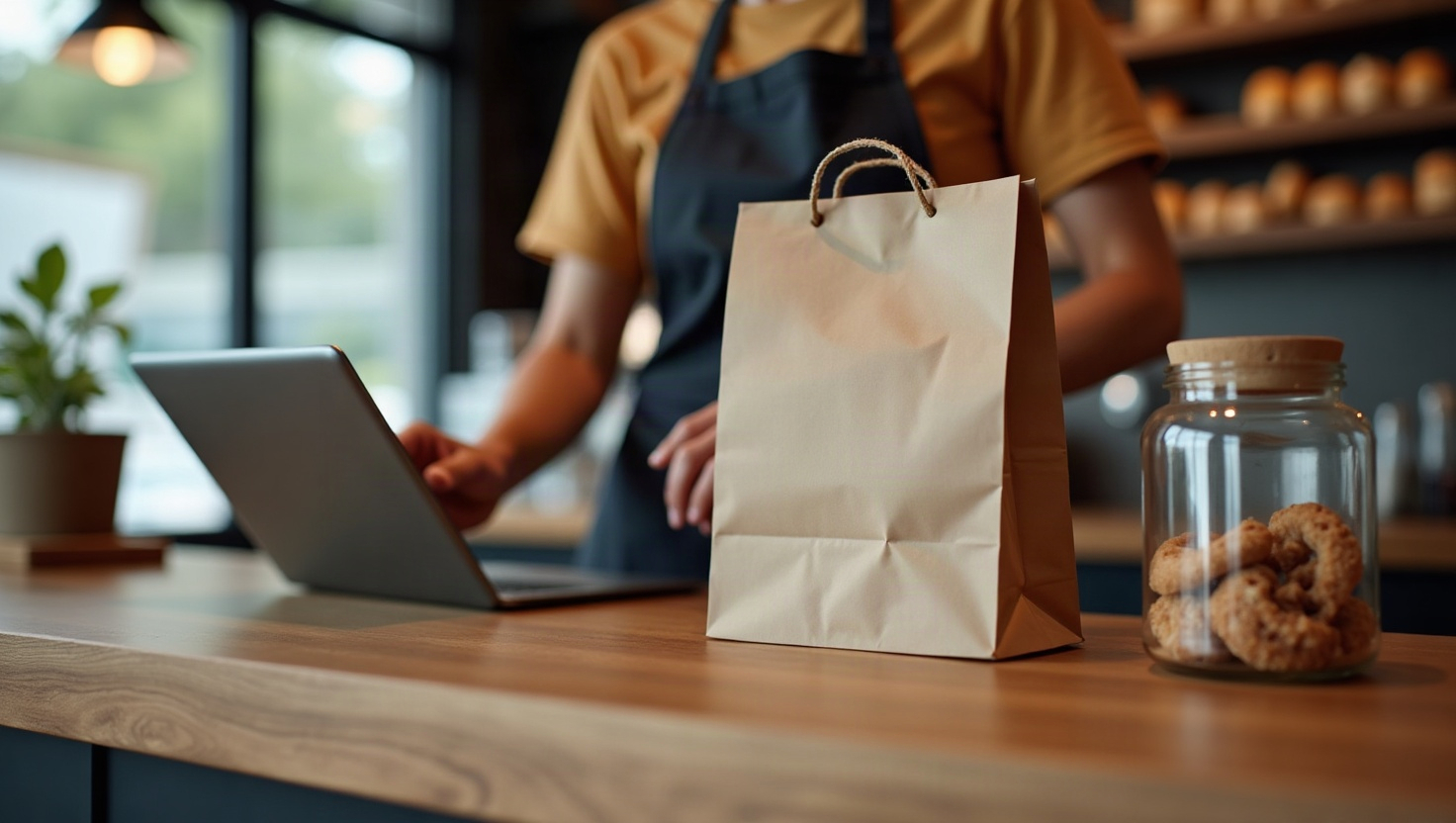
Your customers already expect to choose how they get their order. If your store only offers shipping, you're losing sales to the shop down the street that lets people swing by after work or get a same-day drop-off. The good news: you don't need a developer to add local pickup and delivery options to your website. Here's how to do it properly on a no-code store.
Decide what you're actually offering before you touch settings
Most cart abandonment around fulfillment comes from vague promises. "Local delivery available" tells a customer nothing. Pick a small number of clearly defined options and name them plainly:
- Collect in store — free, ready in 2 hours, pick up during opening hours.
- Local delivery — within 5 miles, £4.50, delivered next day between 6–9pm.
- Standard shipping — everywhere else, 3–5 days.
Three options is plenty. Each one needs a price, a time window, and a geographic limit. Write those down first; the software part is just copying them in.
Set your delivery radius and fees so they make sense
A radius that's too generous quietly destroys your margins. A radius that's too tight leaves money on the table. Work backwards from your actual cost per drop: fuel, time, packaging, and the risk of a redelivery.
- Draw the radius around your postcode, not your town centre. Rural stores often need a polygon or a list of eligible postcodes instead of a circle.
- Charge a flat fee inside the zone, and offer free delivery above a basket value. That single threshold lifts average order value more reliably than any discount code.
- Add a small surcharge for the outer edge of the zone if the round trip is long. Customers accept it when it's explained.
If you're building the store on webceke, these rules live in the same place as your product pages, so changing a fee is a two-minute edit rather than a support ticket.
Get your cutoff times right
Cutoffs are where small retailers win. A big warehouse can't promise a 1pm order for same-day collection, but you can.
- Set a cutoff for same-day collection based on when you can realistically pick, pack, and text the customer.
- Set a separate cutoff for local delivery, and make it earlier than you think. If your driver leaves at 4pm, the cutoff is 2pm, not 3:45.
- Show the cutoff on the product page and in the cart, not just at checkout. "Order within 3 hours for collection today" is one of the highest-converting lines in local ecommerce.
- Block delivery on days you're closed. Nothing generates angry emails faster than a Sunday slot you can't fulfil.
Make order notifications do the work for you
Customers don't abandon because pickup is inconvenient — they abandon because they don't know what happens next. Automate the reassurance:
- Order confirmation — restates the chosen method, the address, and the expected window.
- Ready to collect — sent the moment the order is packed, with opening hours and a map link.
- Out for delivery — sent when the driver leaves, with a rough time slot.
- Delivered or collected — a short thank-you with a review request.
SMS beats email for the middle two. Keep every message under three lines and put the practical detail first.
Fix the checkout wording that causes abandonment
This is the single biggest fix. Shoppers abandon when they can't see their preferred option and assume it isn't offered. Three changes solve most of it:
- Name the options in the cart, before checkout. "Collect in store — free" should be visible on the cart page, not hidden behind a shipping step.
- Never use "Shipping" as a heading if one of the choices is collection. Use "How would you like to get your order?"
- Show availability by postcode early. If a customer types a postcode outside your delivery zone, say so immediately and offer collection instead of letting them reach the payment page and fail.
Small wording changes like these routinely recover a meaningful share of abandoned carts, because they remove the moment of doubt rather than the moment of payment.
Make both options surface in Google's local results
Google can only show pickup and delivery information it can find. Do these four things:
- Claim and fully complete your Google Business Profile, including the "Pickup" and "Delivery" attributes.
- Add LocalBusiness structured data to your site with your opening hours, service area, and price range.
- Keep your name, address, and phone number identical across your site, Google, and any directories.
- Publish a simple page titled something like "Local pickup and delivery in [your town]" with your radius, fees, and cutoffs spelled out. That page is what ranks for the searches your customers actually type.
Do this once and it keeps working. Your store stops competing on price alone and starts competing on convenience — which is the one advantage a small retailer genuinely has over a warehouse.
If you'd rather skip the setup, describe your shop in a sentence and let webceke build the store, the local pages, and the pickup and delivery options for you.