How to Build a Restaurant Website in One Day with an AI Website Builder
webceke
You’ve got a great menu, a loyal crowd, and a dining room that fills up on weekends. But your website? It’s a single page with an old photo and a phone number—or worse, nothing at all. The thought of building a proper site feels like a project you’ll never have time for. That’s where an AI website builder for restaurants changes everything. In one focused day, you can have a polished, multilingual site that takes reservations, shows off your dishes, and pulls in hungry locals. Here’s exactly how to do it without touching a line of code.
Start with a One-Sentence Description (Yes, Really)
The core magic of an AI website builder is that it turns a simple description into a full site structure. For your restaurant, that sentence might be: “Cozy family-run Italian trattoria in the Mission District, known for handmade pasta and a 200-bottle wine list.” Paste that into webceke, and the AI instantly generates a homepage, an about page, a menu layout, and even placeholder copy that matches your vibe. It’s not a generic template—it’s a starting point that understands your cuisine and atmosphere.
Display Your Menu the Way Guests Actually Use It
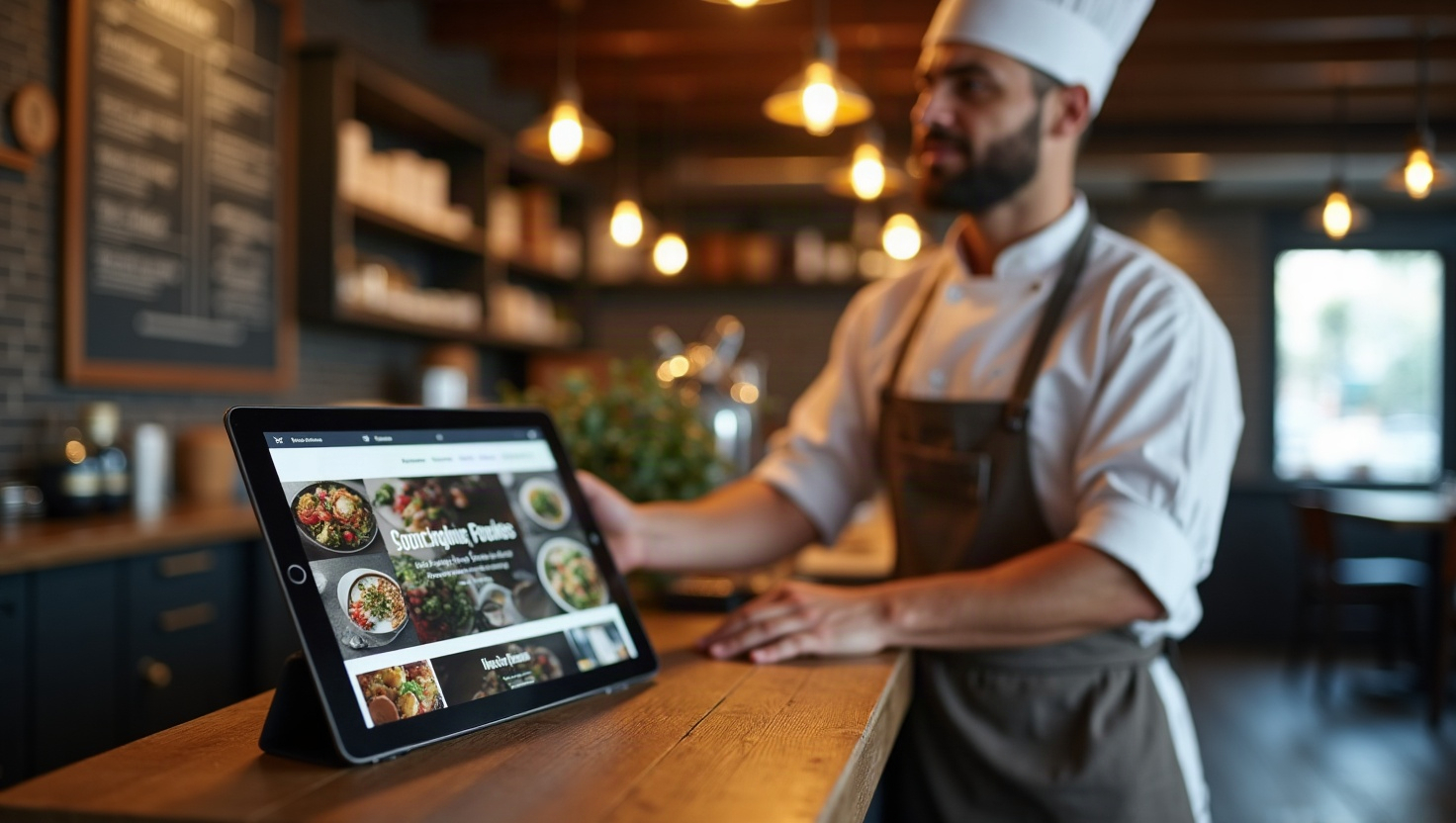
Your menu is your hardest-working salesperson. The AI builder should create a clean, category-based menu section—appetizers, mains, desserts, drinks—that’s easy to update. Upload a PDF or type items directly, and the system formats them with prices and descriptions. For cafés, add a “Today’s Specials” block that you can change every morning. The goal is to make the menu readable on a phone, because that’s where 80% of your customers will see it. A good AI builder handles this automatically, with no design fiddling.
Turn Visitors into Reservations and Orders
A website that doesn’t drive action is just a digital brochure. The best AI website builder for restaurants includes drag-and-drop buttons that link directly to your reservation system (OpenTable, Resy, or your own booking tool) and your online ordering platform (Toast, Square, or a delivery partner). Place a prominent “Reserve a Table” button in the header and a “Order Online” button on every menu page. You can even set up a simple contact form for private events or large parties. These small additions turn casual browsers into paying customers.
Show, Don’t Tell: Build a Photo Gallery That Sells
People eat with their eyes first. Your site needs a gallery that makes them crave your food before they even arrive. Use the AI builder’s gallery block to showcase high-quality shots of signature dishes, your dining room, and happy customers (with permission). Add captions like “Our famous wood-fired Margherita” or “Sunday brunch on the patio.” The AI can even suggest which photos to feature based on your description. If you don’t have professional photos yet, a smartphone with good lighting works—just be consistent with filters and angles.
Infuse Local Flavor with Custom AI Content
The AI-generated copy is a time-saver, but it’s your job to make it sound like you. Edit the homepage text to mention your neighborhood, your family recipes, or your sourcing from nearby farms. For example, change “We offer authentic Italian cuisine” to “Our Nonna’s recipe for gnocchi, made fresh every morning with eggs from the farmers’ market down the street.” This local touch is what separates a generic site from one that feels like home. The AI builder makes edits easy—just click and type.
Get Found on Google Maps and Reviews
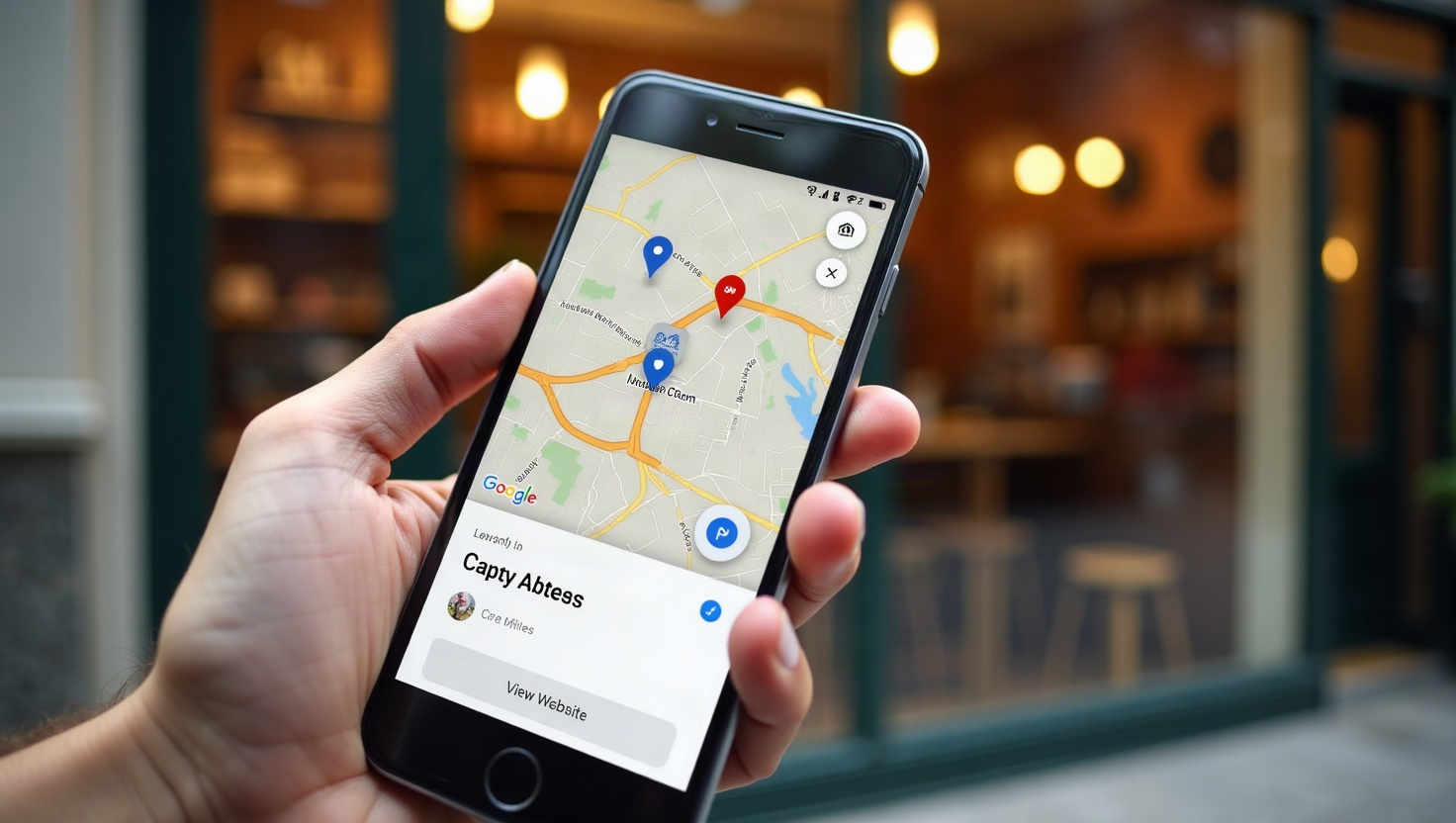
Your website won’t drive foot traffic if nobody finds it. That’s why webceke integrates directly with Google Maps and review platforms. Embed a live map showing your exact location, plus a “Get Directions” button that opens Google Maps on a phone. Add a reviews widget that pulls in your latest Google or Yelp ratings—social proof is powerful. The AI builder also helps with basic SEO: it automatically generates meta tags, alt text for images, and a clean URL structure that helps you rank for “best [your cuisine] in [your city].”
Launch and Update in Real Time
By the end of the day, you’ll have a site that’s live and ready. But the best part is how easy it is to keep fresh. Change your hours for the holidays, add a new seasonal dish, or post a photo from last night’s packed dinner service—all in a few clicks. No waiting for a web developer, no expensive maintenance fees. You’re in control.
Ready to Build Yours?
You don’t need a week or a big budget to have a website that works as hard as you do. With an AI website builder for restaurants, you can go from “I have no site” to “I’m taking reservations online” in a single day. Try webceke today and see how quickly your restaurant’s story comes to life online.