The No-Code Guide to a Pricing Page That Converts for Small Businesses
webceke
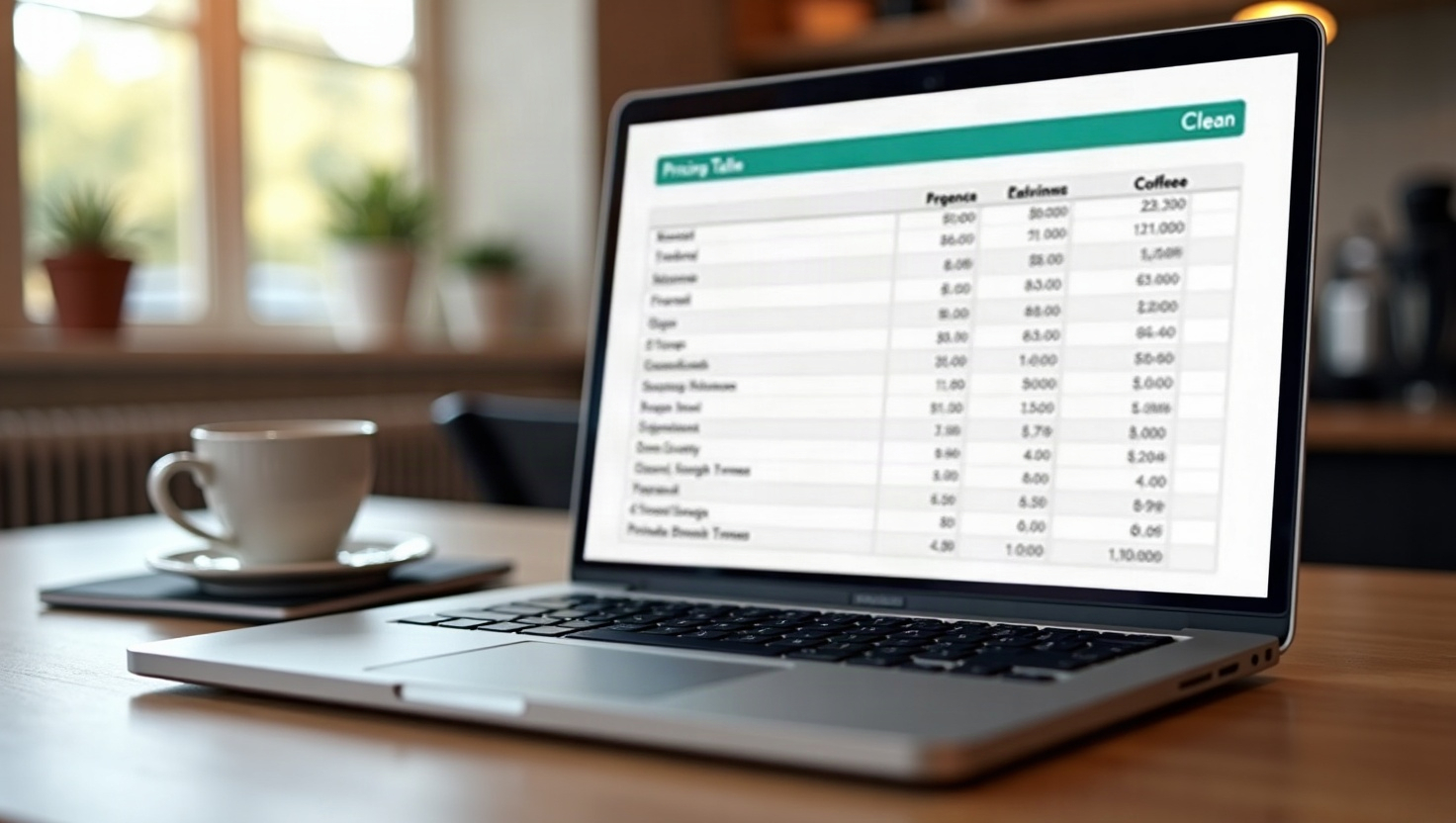
Your pricing page is often the final hurdle between a curious visitor and a paying customer. For small businesses, it's not just a list of rates—it's a trust signal, a salesperson, and a FAQ sheet all in one. Yet many owners either hide prices or create confusing tables that scare people away. The good news? You don't need a developer or a designer to fix this. With a no-code approach and a smart layout, you can create a pricing page for your small business that answers questions, reduces hesitation, and drives conversions.
Why Most Pricing Pages Fail (and How to Fix It)
Common mistakes include: burying prices behind a 'Contact Us' button, listing too many options, or using jargon that means nothing to a local customer. The fix is clarity. Your pricing page should instantly tell visitors what you offer, what it costs, and why it's worth it. Avoid industry terms your customers don't use—say 'website setup' instead of 'initial configuration.' Also, don't make people hunt for the price. If your service has tiers, show them side by side. If you offer custom quotes, give a starting price and explain what affects the final cost.
Layout Best Practices That Boost Conversions
A winning pricing page follows a simple structure:
- Start with a short value statement – Remind visitors why your service solves their problem.
- Place the most popular plan in the middle – This is a classic psychological trick. Highlight it with a 'Most Popular' badge.
- Use three columns max – More than three options overwhelm. If you have many add-ons, list them below the table.
- Make the 'Buy' or 'Get Started' button prominent – Use a contrasting color and action-oriented text.
- Include a comparison chart for features – But keep it simple: checkmarks and dashes work better than lengthy paragraphs.
- Add a reassurance section – Money-back guarantees, free trials, or 'no hidden fees' notes reduce risk.
For local service businesses (like plumbers, salons, or consultants), consider a simple 'From $X' approach. For example: 'Roof inspection from $150' or 'Hair color from $85.' This sets expectations without forcing you into rigid packages.
What to Say on Your Pricing Page (Talking Points for Local Service Businesses)
Local customers care about trust and transparency. Here are specific talking points to weave into your pricing page:
- Explain what's included – 'Includes travel within 10 miles' or 'Free consultation and written estimate.'
- Mention your service area – 'Serving Austin and surrounding areas.'
- Address common objections – 'No hidden fees—what we quote is what you pay.'
- Show your value – 'Licensed, insured, and backed by a 100% satisfaction guarantee.'
- Offer a clear next step – 'Book your free estimate today' or 'Call us for a custom quote.'
These phrases build confidence and make your pricing feel fair. Avoid generic lines like 'Competitive rates'—they don't tell the customer anything.
How an AI Website Builder Can Create Your Pricing Page in Minutes
If you're not a designer, building a professional pricing page from scratch can take hours. That's where an AI website builder like webceke shines. You simply describe your business in one sentence—like 'We offer dog grooming services with three packages'—and webceke generates a complete, multilingual website, including a polished pricing section. The AI knows standard layouts, uses clear calls-to-action, and even adapts the text to your local market. You can then tweak the colors, fonts, and wording without touching a line of code. This is perfect for small business owners who want a credible online presence without the technical headache.
Final Tips to Turn Browsers into Buyers
- Keep it short – Nobody reads paragraphs on a pricing page. Use bullet points and short sentences.
- Test different price placements – Sometimes moving the 'Most Popular' badge or changing button text boosts clicks.
- Add a FAQ below the pricing table – Answer questions about contracts, refunds, or payment plans.
- Use real photos – If you're a local business, show your team or your work. It humanizes the page.
- Make it mobile-friendly – Many local customers browse on phones. Ensure your pricing table stacks neatly on small screens.
Remember, your pricing page isn't just about numbers—it's about making the visitor feel safe and informed. When you remove guesswork, you reduce hesitation, and that leads to more conversions.
Ready to launch a pricing page that works for you? Try webceke today and let AI handle the heavy lifting—your future customers will thank you.